
See the everyday workflow
Bring your money records together, one step at a time.
Start with the part of your finances you want to understand. Add your information, review it, then use the views and guides that help you decide what to do next.
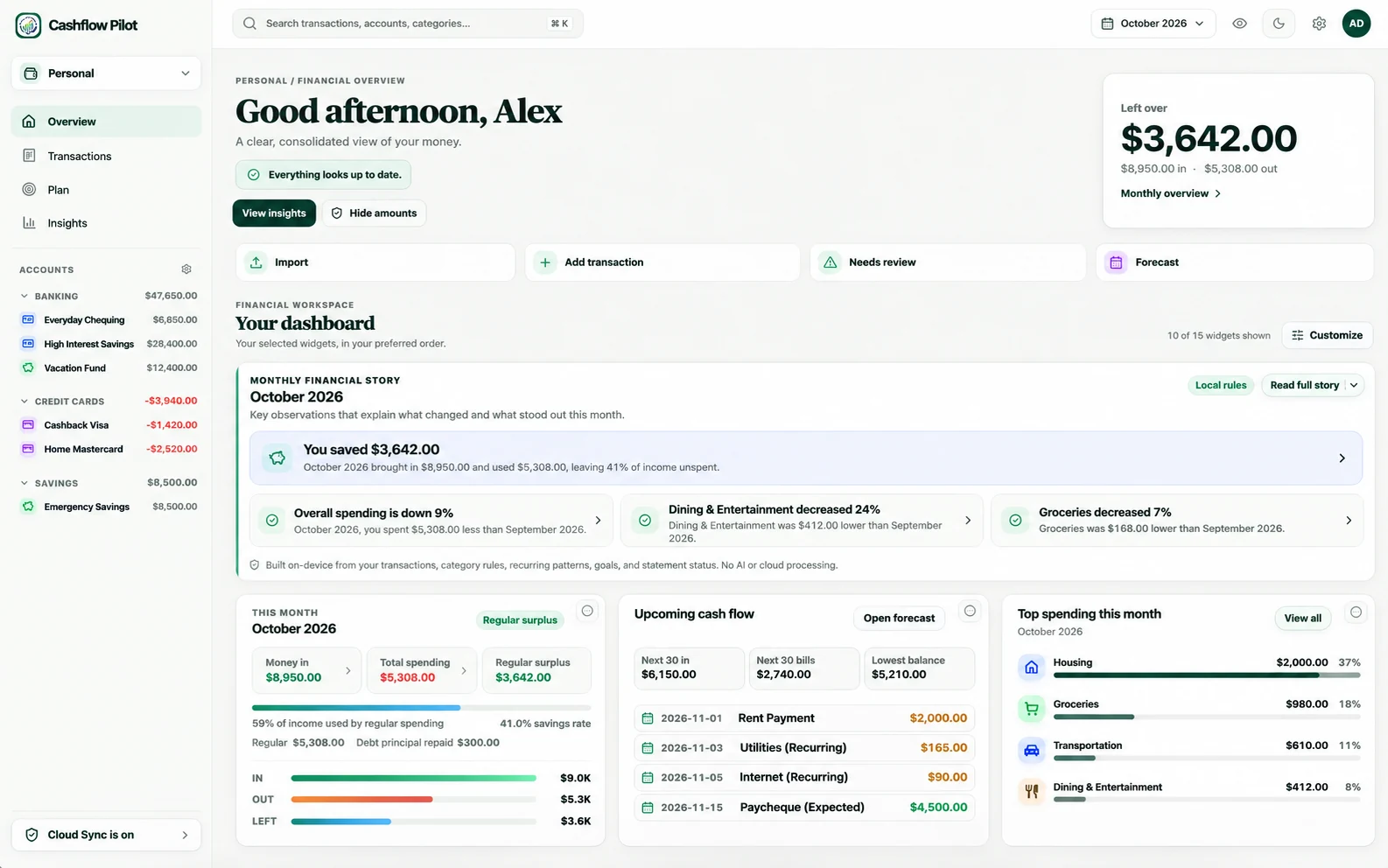
Product preview
Everyday tasks, shown clearly.
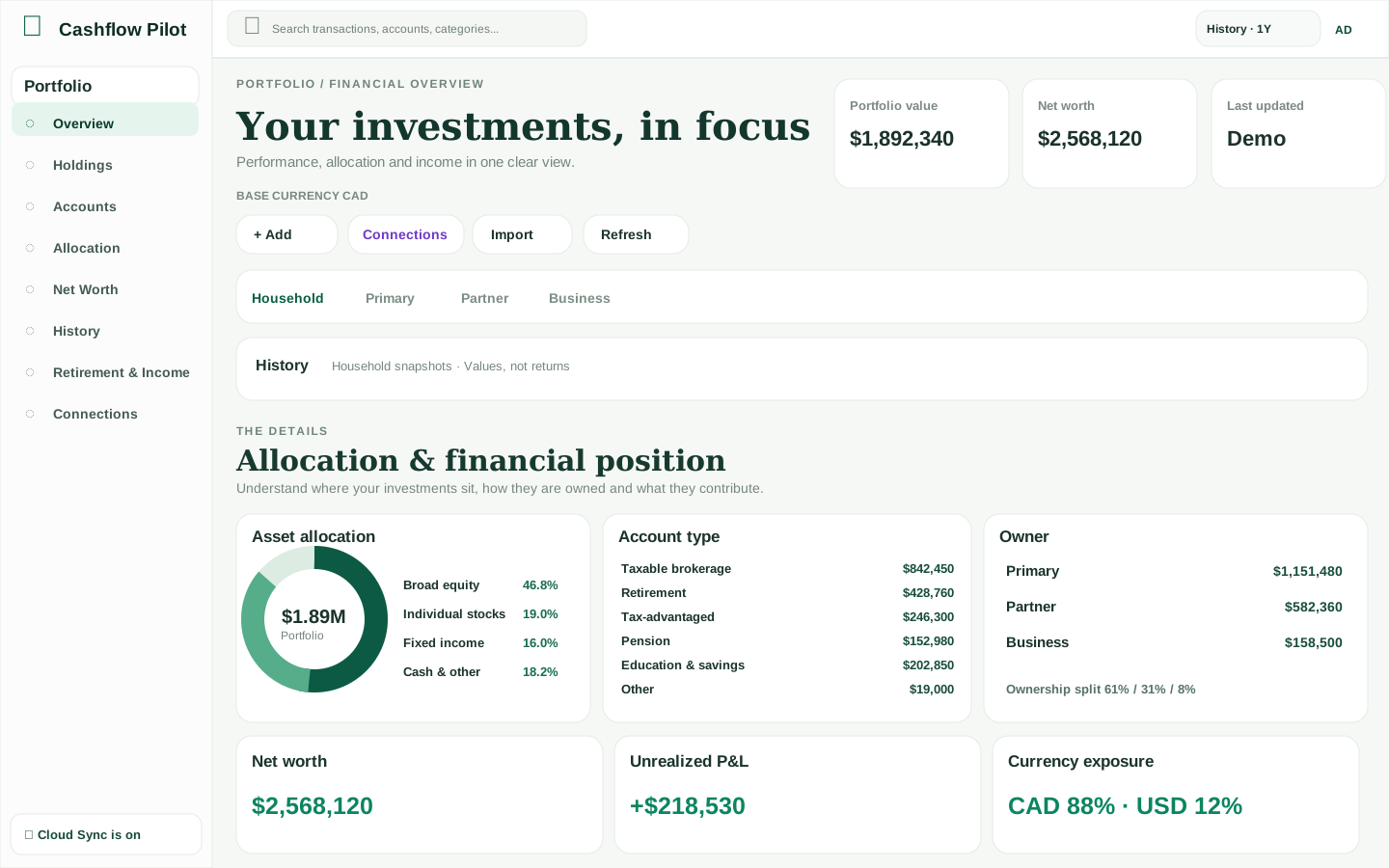
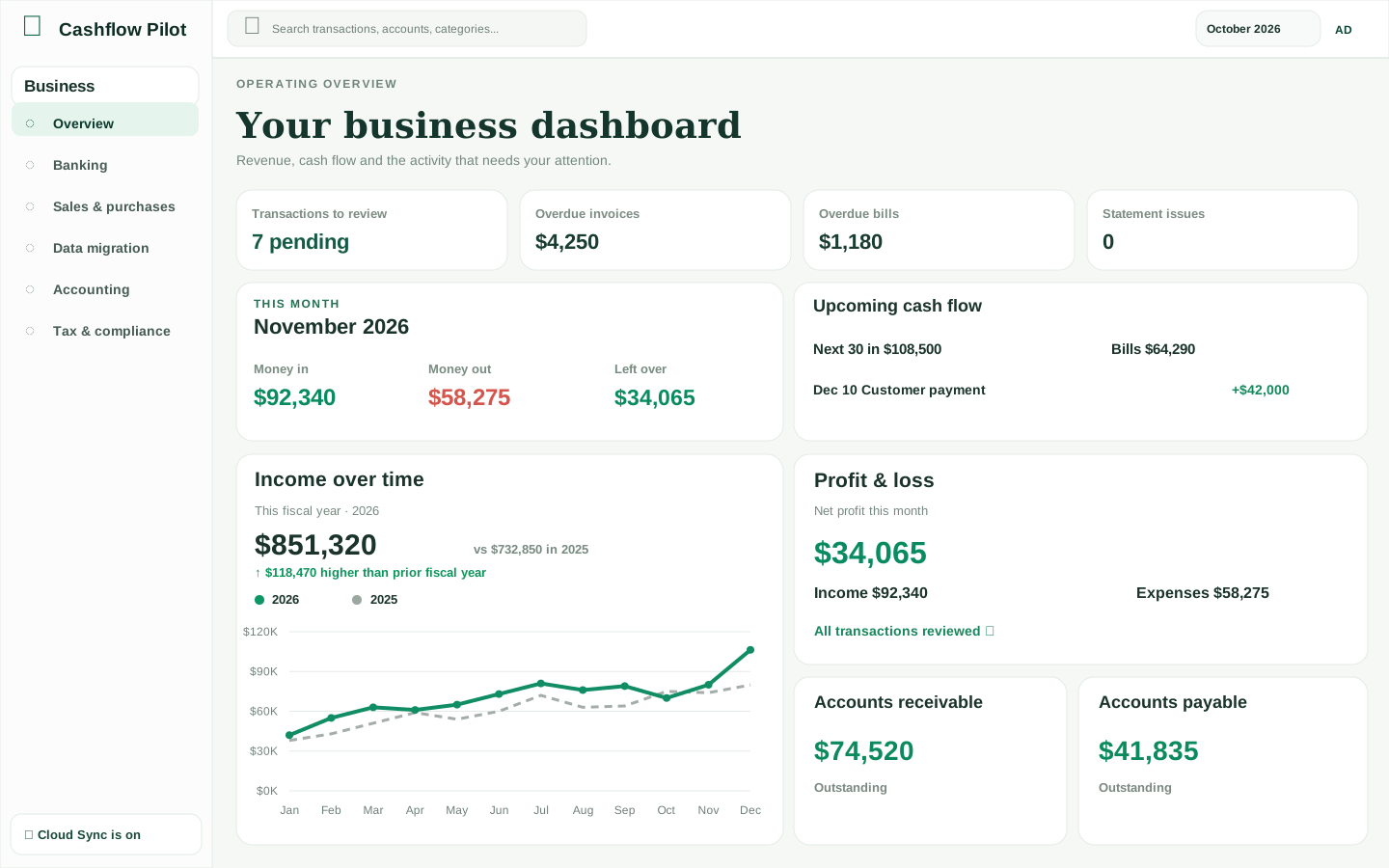
These illustrative desktop overviews use fictional sample financial data; they are not exact live application captures. Individual screens and device layouts vary.
Step-by-step help
Prefer to learn by doing?
Follow the Cashflow Pilot tutorials with examples you can check against your own data.
Choose your starting point
What would you like to work on?
You can use one workspace or all three. There is no need to link your bank account just to begin.
01 · Personal
Understand everyday money
See where it went, what is coming next and how this month is shaping up.
Follow the Personal example → 02 · PortfolioSee investments together
Organize holdings and understand account values across currencies.
Follow the Portfolio example → 03 · BusinessKeep the books organized
Review banking activity, invoices and reports throughout the year.
Follow the Business example →Personal · A typical month
Understand what you can comfortably spend.
For example, you want to check whether upcoming bills fit between your next two paydays.
Add an account
Enter an account and bring in transactions using a supported statement, or add them yourself.
Check your spending
Review categories and correct anything that looks wrong. Keep transfers from being counted as spending.
Look ahead
Review regular income, expected bills and your cash-flow forecast. Make adjustments when plans change.
What you get: a clearer picture of spending and potential pressure points before bills arrive. Explore all Personal features →
Portfolio · Your investments together
See beyond one investment account.
For example, you hold investments at more than one provider and want one place to review them.
Add your accounts
Set up the investment accounts you want to track, such as a TFSA, RRSP or brokerage account.
Bring in holdings
Add investments or use an available import. Check quantities, currencies and any account cash.
Review the whole picture
Explore the value of each account, overall holdings and changes over time. Check the date of the prices shown.
What you get: an organized investment overview without having to switch between every provider. Explore all Portfolio features →
Business · From transactions to reports
Stay ready for the next review.
For example, you want to keep banking activity, customer invoices and your accountant's reports together.
Set up the business
Enter your business details and accounts. Bring in records from supported files or enter them as needed.
Review transactions
Match payments, transfers and expenses to the right accounts. Check bank balances against statements.
Prepare what you need
Review invoices and reports, and export the information your accountant asks for.
What you get: more organized records and fewer surprises at review time. Explore all Business features →
Your information
Start locally. Add options when you need them.
Cashflow Pilot does not require a bank connection to get started. Signing in, optional Cloud Sync and creating backups are separate choices.
Use it on one device
Start without registration and keep working with local information.
Use more than one device
If Cloud Sync is available for your account, sign in and enable it separately for supported records.
Keep a safety copy
Save a Backup everything ZIP. Business supporting documents need their own separate Documents ZIP.
Free to use · Actively improving
Start today. Explore more as you need it.
Cashflow Pilot has no required app subscription for its current tools. Use whichever financial areas are helpful. Improvements keep coming, and you choose whether to connect a bank.
Ready to make sense of your finances?
Begin with a single account. You can explore more features whenever you need them.
Budgeting help
Learn both ways to budget
Try a full example and decide whether monthly spending targets or a zero-based plan fits you.
Flexible Spending Targets
See an example month, set category amounts, and compare your targets with real spending.
Read tutorial →Zero-Based Budgeting Beta
Start with confirmed cash, assign money, manage card-payment reserves and cover shortfalls.
Read tutorial →